
|
|
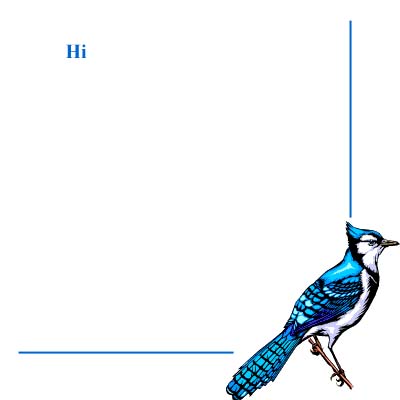
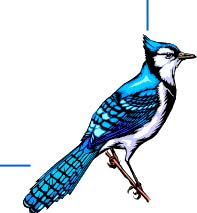
Now, thats just an image, but it's a start. Next, choose how you are going to divide your image up. for the sample layout we're working with, we would do it like this:

|

|

|
|
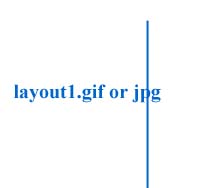
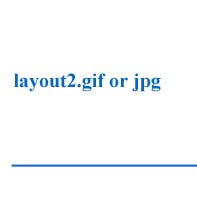
now, you don't need the blank one, because that is where your text is going to go, so now save your images:
|
|
|
|
Now your ready for the html part. use a regular table code with a few variations. The code for our sample layout is as follows:
it will look like this:
My PageContent of your page |
|
|
|
|
There you have it!!!